Still tracking construction worker attendance on paper? Paper registers get lost, damaged, and disputed. A phone-based attendance app solves all these problems — it is faster, more accurate, and gives you instant reports.
Why Switch to Phone-Based Attendance?
Paper attendance creates real problems on construction sites:
- Registers get damaged by rain, dust, or during transport
- Fake entries are easy — anyone can write any name
- Monthly accounting takes hours of manual counting
- Payment disputes arise when worker and contractor records differ
Digital attendance with GPS, timestamps, and photo proof eliminates these issues entirely.
Step-by-Step: Mark Attendance Using Your Phone
Step 1: Download a Construction Attendance App
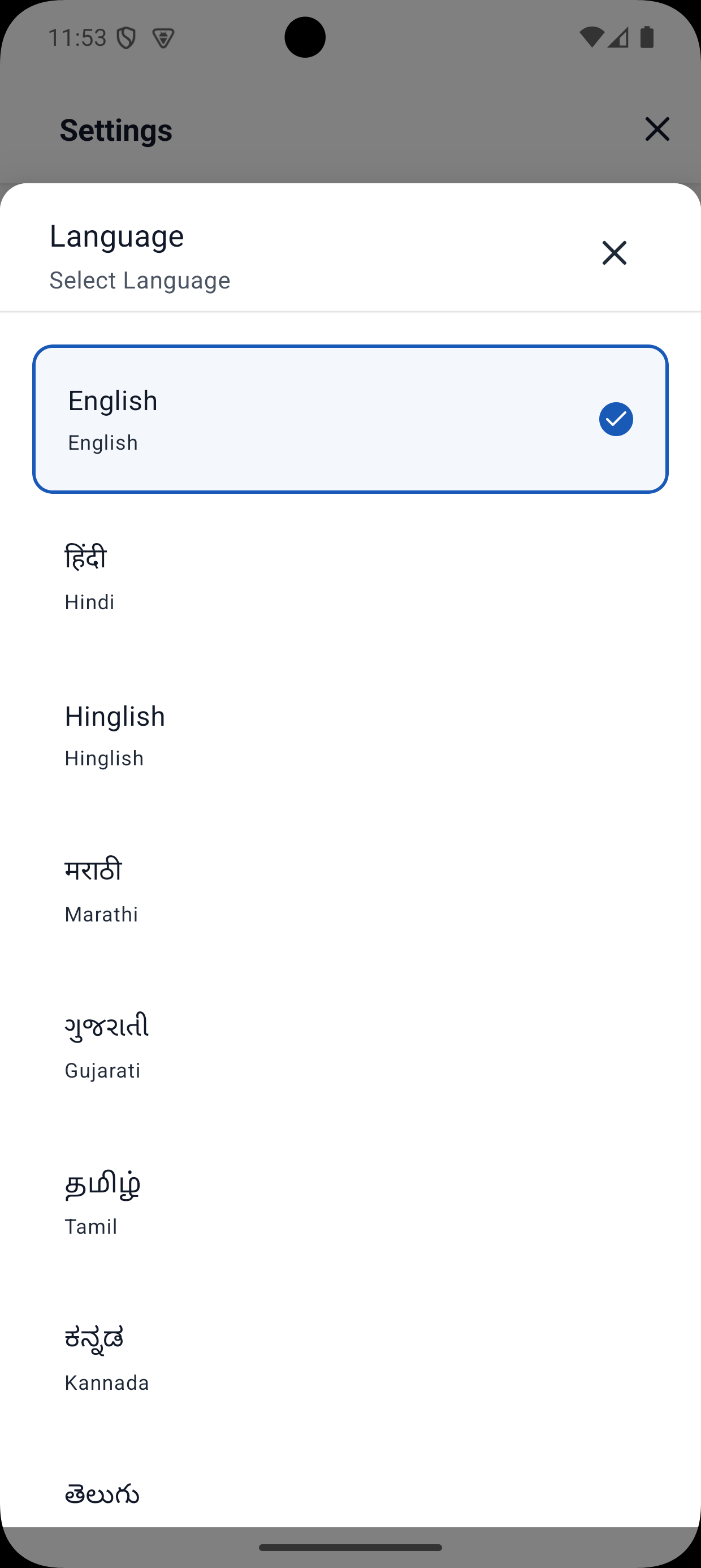
Choose an app built specifically for construction. Yojo works offline, supports Hindi, and is designed for Indian contractors.
Step 2: Add Your Worker List
Enter each worker's name, skill type (mason, helper, electrician), and daily rate. This is a one-time setup — the list stays ready for daily use.
Tip: Group workers by skill type for faster daily marking.
Step 3: Mark Daily Attendance
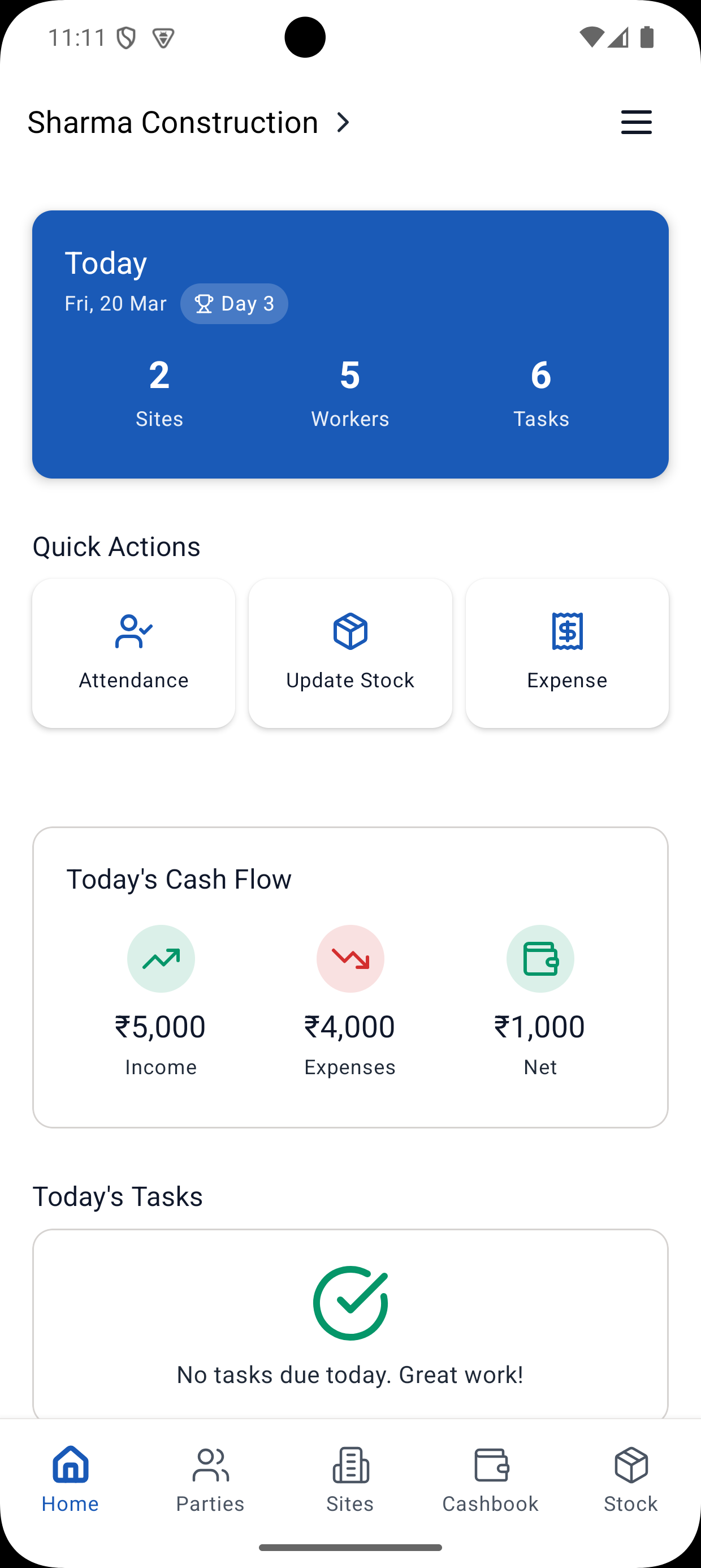
Open the app each morning or evening. For each worker, tap:
- P — Present (full day)
- H — Half day
- A — Absent
- OT — Overtime
Marking 50 workers takes just 2-3 minutes versus 15-20 minutes on paper.
Step 4: Attach Photo Proof
Take a group photo to create visual evidence of who was on site. This is invaluable for resolving disputes with workers or clients.
Step 5: Generate Reports
At the end of each week or month, generate:
- Weekly/monthly attendance summaries
- Payment calculation reports
- Overtime tracking reports
Download reports as PDF using the Attendance PDF Generator or share directly via WhatsApp.
Handling Offline Sites
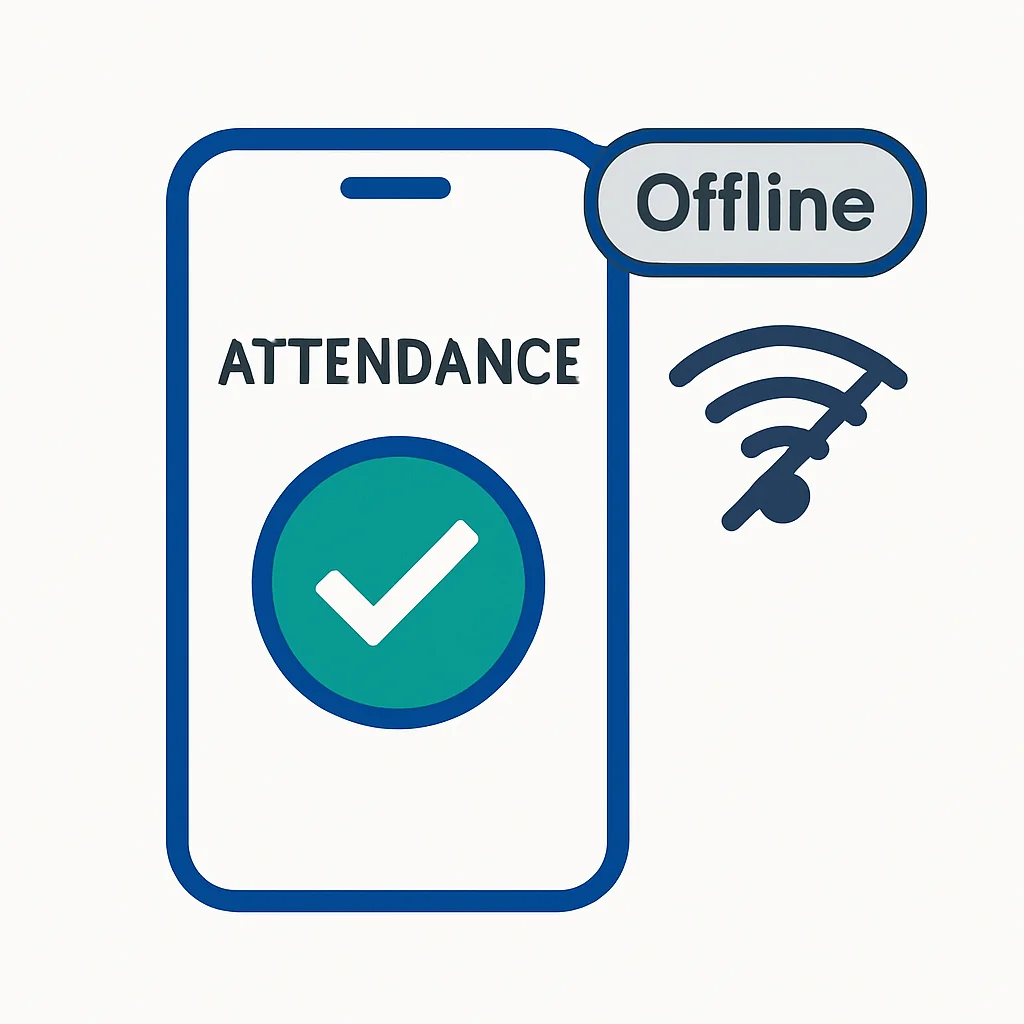
Most construction sites in India have poor connectivity. Yojo works fully offline:
- Mark attendance without internet
- Data saves locally on the phone
- When connectivity returns, data syncs to the cloud automatically
- Zero data loss guaranteed
Phone vs. Paper: A Quick Comparison
| Feature | Paper Register | Phone App |
|---|---|---|
| Time per day | 15-20 min | 2-3 min |
| Accuracy | Error-prone | Auto-calculated |
| Backup | None | Cloud backup |
| Reports | Manual | One-click |
| Proof | None | GPS + Photo + Timestamp |
Get Started Today
Download Yojo and mark your first attendance in under 5 minutes. The app supports offline mode, Hindi language, automatic muster roll generation, and free basic features. After three days of digital attendance, you will never go back to paper.
Construction Management Expert
Senior Construction Consultant at Yojo
10+ years of experience
Reviewed on 11 April 2026
About Yojo Team
Construction management expert with 10+ years of experience helping Indian contractors build better businesses. Specialized in digital transformation for construction sites.
Related Pages
Labour App
India's best labour app — attendance, wages & payroll
Labour Attendance App
Mark attendance, half-days & overtime in one tap
Daily Wage App
Automatically calculate daily wages from attendance
Best Contractor Apps India
Compare the best contractor apps in India