A Daily Progress Report (DPR) is the single most important document on any construction site. It records what work was done, how many workers were present, what materials were used, and what issues were encountered — every single day.
Without a DPR, you have no visibility into whether a project is on track, no evidence for payment claims, and no protection in disputes.
What Goes Into a DPR?
A standard construction DPR has these sections:
- Basic Info — Project name, date, weather conditions, report author
- Manpower — Worker count by category (masons, helpers, electricians) and hours worked
- Work Completed — Specific descriptions of what was accomplished
- Materials Consumed — Cement bags, steel tonnage, sand, bricks, etc.
- Machinery Used — Equipment and hours of operation
- Issues and Delays — Material shortages, weather, absenteeism
- Site Photos — Visual evidence of progress
- Next Day Plan — What work is planned for tomorrow
Why DPR Matters
Project tracking: A daily record lets you spot delays early — before they snowball into weeks of slippage.
Client trust: Sending regular DPRs with photos builds confidence. Clients see that work is progressing transparently.
Payment evidence: Running bills backed by daily DPRs face fewer disputes. Written records of completed work are hard to argue against.
Legal protection: In case of disputes over delays or quality, DPRs serve as valid documentation even in legal proceedings.
How to Create a DPR From Your Phone
Instead of spending 30+ minutes writing reports on paper, use the Yojo DPR Generator to create professional reports in minutes:
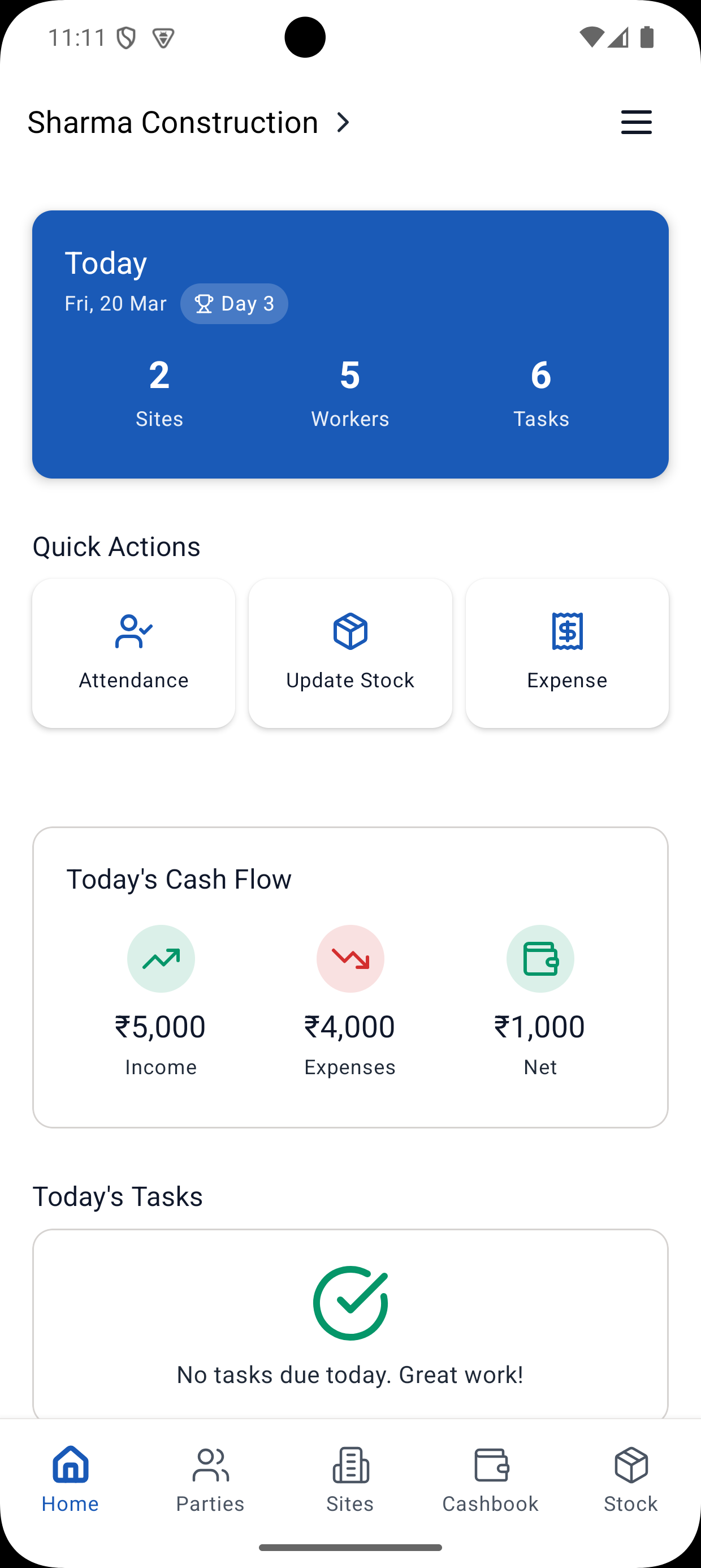
- Open the DPR section in Yojo app
- Basic details auto-fill — date, site name, weather
- Manpower pulls from attendance — if you marked attendance already, worker counts populate automatically
- Add work descriptions in bullet points
- Attach 3-5 photos from your phone camera
- Generate PDF — share via WhatsApp or email instantly
Best Practices
- Write DPR the same evening — do not wait until next morning when details are forgotten
- Always include photos — a DPR without photos loses half its value
- Be specific — write "2nd floor slab casting 60% complete" not just "work done"
- Track materials consumed — this is critical for cost control
- Share with the client regularly — a DPR only helps if stakeholders see it
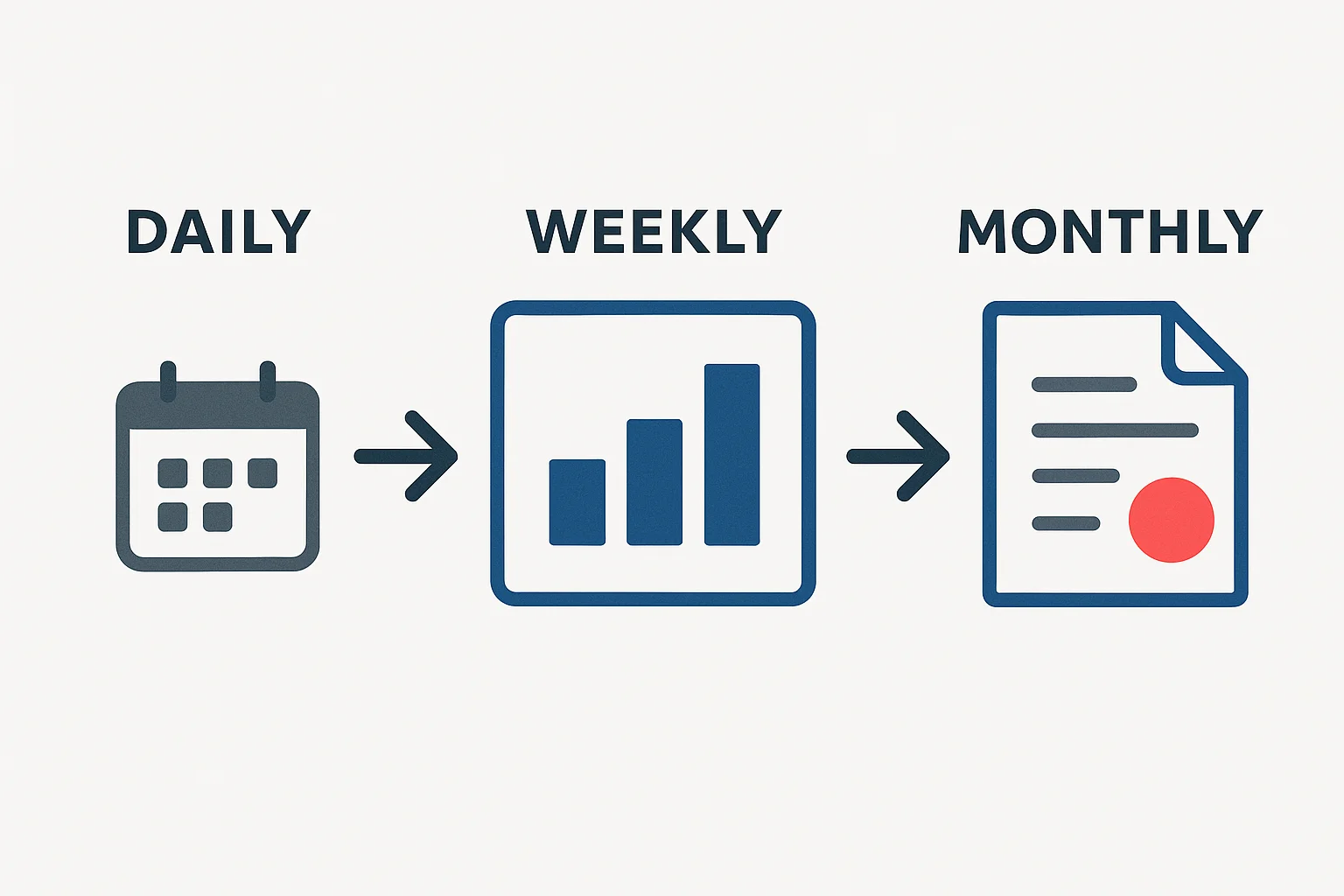
- Create weekly summaries — aggregate daily reports into weekly progress reports for a big-picture view
Common Mistakes
- Skipping DPR on "slow days" — every day needs documentation
- Vague work descriptions that do not specify quantities or percentages
- Forgetting to log material consumption, which hurts cost tracking
- Not attaching photos, reducing the report's credibility
- Preparing DPR but not sharing it with the client
Start creating professional DPRs today with the Yojo DPR Generator. It takes 5 minutes and gives you a formatted PDF ready to share.
Construction Management Expert
Senior Construction Consultant at Yojo
10+ years of experience
Reviewed on 11 April 2026
About Yojo Team
Construction management expert with 10+ years of experience helping Indian contractors build better businesses. Specialized in digital transformation for construction sites.